Secure Virtual Faxing for $10/Month
Ditch the clunky machine and expensive dedicated phone lines. Send and receive faxes directly from your email inbox — no hardware, no paper, no phone lines.
Modern Faxing for Medical and Legal Teams
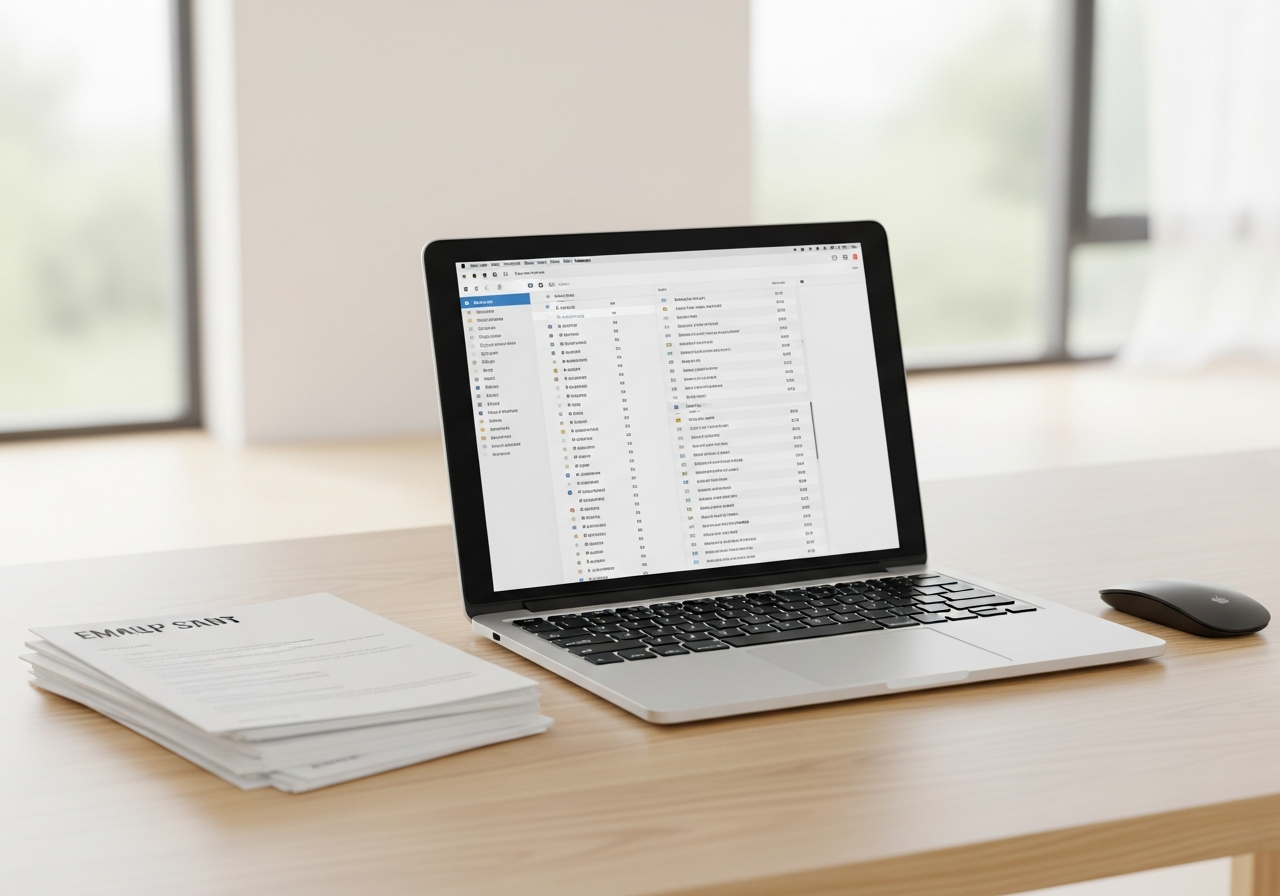
Fax machines need a line, paper and someone near the tray. They jam, run out of paper, and leave sensitive documents sitting unattended in an output tray. Our vFax solution delivers every incoming fax as a secure PDF directly to your email — and lets you send by simply attaching a document to an email.
- Delivered as PDF to your email inbox
- Keep your existing fax number (transfer request handled by us)
- No hardware, no paper, no toner, no phone lines
- Secure portal with full fax history and search
- Multiple email recipients for shared fax numbers
- Outbound faxing from any email client
Fax to Email
Incoming faxes arrive as PDF attachments in your inbox once the transmission completes.
Access-Controlled Delivery
Faxes go only to your authorized email recipients. Choose exactly which mailboxes receive each number.
Secure Cloud Archive
Every sent and received fax is kept in your fax history in the portal so you can find it by date or number.
No Hardware Needed
No paper, toner or dedicated line for faxes sent and received through email.
Send Any Document
Attach PDF, DOC, JPG, or TIFF files to an email and they're queued for sending. No special software needed.
Smart Inbox Search
Find past faxes in the portal by date range or sender number.
Start sending and receiving faxes in 3 easy steps
We handle the heavy lifting so you can focus on running your business.
Sign Up & Keep Your Number
Create your account and we submit the transfer request for your existing fax number, or activate a new one.
Connect Your Email
Link the email address(es) that should receive incoming faxes as PDF attachments. No software to install.
Send & Receive by Email
Attach a document to an email and send it as a fax. Incoming faxes arrive as PDFs in your inbox.
vFax vs. Traditional Fax Machine
| Feature | Broadtela | Traditional Fax Machine |
|---|---|---|
| No paper sitting unattended in a tray | — | |
| No paper jams or machine downtime | — | |
| Receive faxes as email PDFs | — | |
| Searchable fax history in cloud | — | |
| No dedicated phone line required | — | |
| Send from any device or email client | — | |
| Multiple recipients for one number | — | |
| Fax capability |
Medical Offices
Receive patient referrals, lab results, and insurance authorizations directly to your email as PDFs. No paper tray, no missed faxes.
Law Firms
File documents with courts, receive opposing counsel correspondence, and maintain a searchable digital record.
Insurance Offices
Process claims documentation, policy applications, and broker communications through a secure digital channel.
Is virtual fax the right fit?
Virtual fax sends and receives faxes through email and a web portal instead of a machine on a phone line. It suits offices that still exchange documents by fax but do not want a dedicated line or paper tray.
Usually a good fit when
- Your fax volume is modest and documents are already handled as PDFs.
- Several people need to see incoming faxes, and a shared inbox works for you.
- You want to keep an existing fax number while retiring the machine.
Consider something else when
- A device must stay connected to a line, such as an alarm panel, card terminal or a specific medical device. These need their own review.
- Your organization requires a signed agreement or specific compliance documentation for regulated records. Confirm requirements with us in writing before relying on any service for that purpose.
- You send very high outbound volumes; ask for limits before buying.
What a typical setup looks like
These are planning examples, not records of a specific customer. Your actual call flow is designed and confirmed during setup.
Shared intake inbox
Office receiving referrals and signed forms from outside parties.
- 1Faxes to your number arrive as PDF attachments.
- 2Delivery goes to a shared mailbox and a named backup.
- 3Staff file or forward the PDF in their normal document system.
- 4The portal is used to find past faxes.
Sending a signed document
Staff member needs to send a signed form to an outside fax number.
- 1Scan or save the document as a PDF.
- 2Email it to the fax gateway address with the destination number.
- 3Wait for a delivery confirmation email.
- 4If the fax fails, the confirmation will say so; retry or call the recipient.
Devices, network and systems
- A mailbox for incoming faxes; a shared mailbox avoids a single point of failure when someone is out.
- File formats
- PDF, DOC, JPG or TIFF attachments for outbound faxes.
- Machine retirement
- If you keep a physical fax device, it needs a separate compatibility discussion.
What changes your quote
- Numbers
- $10 per month per fax number is the published price.
- Outbound volume
- Outbound pages are included up to a volume limit; ask for the limit that applies to your plan.
- Existing number
- Whether you transfer your current fax number or take a new one.
Taxes, regulatory fees and surcharges vary by location and are itemized on your written quote. Ask us to list anything you are unsure about.
Who does what
You
- Identify every fax number and who relies on it.
- Choose receiving mailboxes.
- Tell frequent senders nothing changes if you keep your number.
Broadtela
- Activate a new number or submit the transfer request.
- Set delivery recipients.
- Send test faxes with you.
Together
- Keep the old line until transferred-number faxes arrive correctly.
- Test both inbound and outbound.
Outage, absence and support questions
What if the person who receives faxes is out?
Deliver to at least two recipients or a shared mailbox so documents are not stuck in one inbox.
Is virtual fax secure enough for our records?
Faxes are delivered to the email addresses you authorize, so your email security matters. If you have regulatory obligations, ask us to confirm in writing what is and is not provided before you rely on it.
How do I reach support, and what should I have ready?
Use the contact page or the number on your account paperwork. Note which number or user is affected, when it started and whether calls fail inbound, outbound or both. Support is available 24/7.
What if a fax fails to send?
Fax delivery depends on the receiving machine. Failures are reported back by email; keep the confirmation for important documents.
Prepare before you ask for a quote
One dedicated fax number, unlimited inbound, outbound included, fax history in the portal. Taxes and fees are listed on your quote.
No contracts. No setup fees. Free number porting. Cancel anytime.
Virtual Fax FAQ
Get Started with vFax Today
Activate your secure virtual fax line — new numbers are set up same day, and we handle the transfer request for your existing fax number (timing depends on your current carrier).