Enterprise VoIP.
Small Business Price.
Crystal-clear calling, advanced call routing, auto-attendants, and full setup — all for a flat $24.95 per seat per month. Choose a Yealink desk phone or Zoiper softphone to make calls. No long-term contract.
Powerful Features Included Standard
We don't nickel-and-dime you for features that should be standard. Every feature below is included in the $24.95 seat price.
Auto-Attendant (IVR)
Professionally route callers to the right department automatically with multi-level IVR menus.
Zoiper Softphone
We configure Zoiper on your devices. Desktop license is $60 one-time vendor pricing (purchased from Zoiper.com). Mobile basic version is free. Your extension goes everywhere.
Ring Groups
Ring multiple phones simultaneously or sequentially so customers never hit voicemail during business hours.
Voicemail-to-Email
Audio files and text transcriptions of voicemails delivered directly to your email inbox.
Time-Based Routing
Automatically route calls differently for after-hours, weekends, and holidays without any manual intervention.
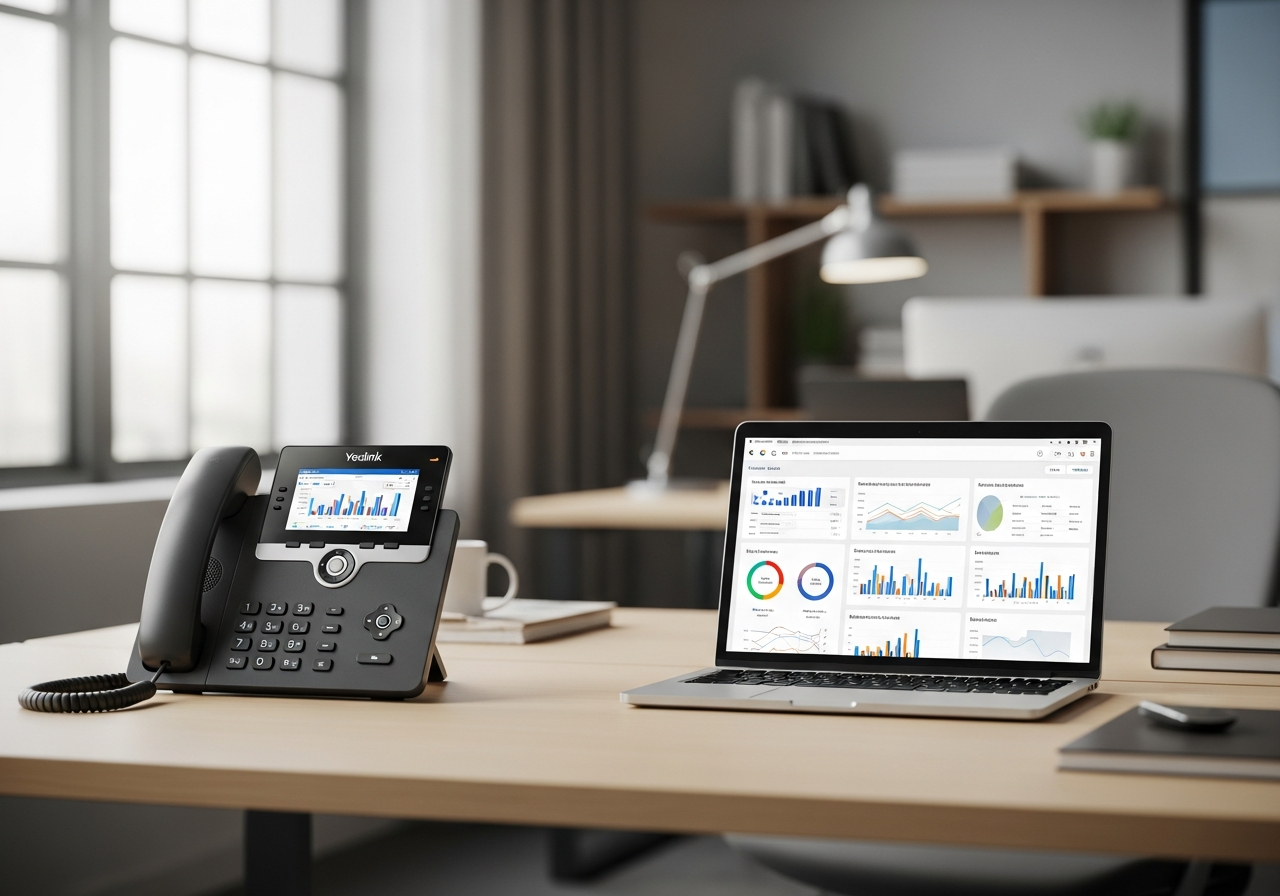
Call Analytics & Recording
Monitor call volume, hold times, and agent performance. Record calls for QA and compliance.
Unlimited Extensions
Every employee gets their own 4-digit extension. Internal calls are always free.
Security Questions Answered
Encrypted signaling and media options are available. Ask for current security documentation and service terms with your quote.
From signup to live calls in 3 steps
We handle the heavy lifting so you can focus on running your business.
We Configure Everything
Tell us your call flow needs. Our team builds your auto-attendant, ring groups, and voicemail settings — no IT skills required from you.
We Port Your Numbers
Keep every existing number. We handle the transfer from your current carrier, with timing set by your current carrier.
Test & Go Live
Your team logs into Zoiper or picks up a pre-configured Yealink desk phone. You test, then go live once every number works.
Choose How Your Team Makes Calls
Your $24.95/seat service works with any SIP-compatible device. Pick what fits your team — we handle setup and configuration for every option.
Yealink SIP-T46U
Desk phone
Quote only + shipping
- ✓ Professional HD handset
- ✓ Pre-configured by our team
- ✓ Ships ready to plug in
- ✓ Best for reception & heavy users
Sourced through Broadtela — contact us for current pricing
Zoiper Desktop
Windows & Mac softphone
$60 one-time vendor pricing
- ✓ Works on Windows & Mac
- ✓ We configure it for you
- ✓ No desk phone needed
- ✓ Best for office workers at a PC
Zoiper Mobile
iOS & Android softphone
Free basic version
- ✓ iOS & Android
- ✓ We configure it for you
- ✓ Your business number on your cell
- ✓ Best for remote & mobile workers
Not sure which option is right for your team? We'll help you figure it out on a quick call.
Book a call to discuss your setup →Is Hosted VoIP the right fit?
Hosted VoIP replaces an on-site phone system with service run over your internet connection. Each user gets an extension on a desk phone, computer or mobile app. It suits teams that want call routing changes handled for them rather than maintained in a closet.
Usually a good fit when
- You have roughly 2 to 100 people who need extensions, some of whom work away from a desk.
- Calls must reach more than one person: a front desk with backup, a ring group, or an after-hours on-call phone.
- You want a predictable per-user monthly price and prefer someone else to build the call flow.
- Your office has a stable business internet connection, or you plan to fix it first.
Consider something else when
- You recently bought a PBX that works well and only need lines into it. Look at SIP trunks instead.
- Your site has unreliable internet with no realistic upgrade. Fix connectivity before moving voice to it.
- You need a contact-center platform with workforce management or outbound dialing campaigns.
- You only need a single number on one mobile phone; a full extension system may be more than you need.
What a typical setup looks like
These are planning examples, not records of a specific customer. Your actual call flow is designed and confirmed during setup.
Front desk with a backup ring
Eight-person office, one receptionist, reception covers lunch with a rotation.
- 1Main number rings the reception desk phone.
- 2After about 20 seconds unanswered, two backup users ring at once.
- 3If still unanswered, the call goes to a shared voicemail delivered to a monitored inbox.
- 4Outside open hours, a closed greeting plays and voicemail is checked the next morning.
Owner in the field, office part-time
Small service team where the owner often answers from a mobile app.
- 1Main number rings the office phone and the owner's mobile softphone together during open hours.
- 2Calls display the business number to customers, not a personal cell.
- 3When the office is closed, calls go only to the owner's softphone until a set time.
- 4After that, a voicemail with clear callback expectations answers.
Devices, network and systems
- Internet
- A business connection with steady upload capacity. Plan on roughly 100 Kbps each direction per simultaneous call, plus headroom for everything else on the network.
- Devices
- Choose per user: a quote-only desk phone configured by us, the Zoiper desktop softphone ($60 one-time vendor pricing, bought from Zoiper), or the free basic Zoiper mobile app. Headsets are separate.
- Router and firewall
- Someone must be able to change router settings if call quality or registration problems need it.
- Emergency calling
- A registered street address is required for each location. Mobile and remote users need their address reviewed too.
What changes your quote
- Seats
- $24.95 per user per month is the published seat price. The number of seats is the main driver of the monthly cost.
- Shared phones
- Lobby, warehouse or conference phones are discussed individually; tell us how many you have.
- Numbers
- How many numbers you keep, add or retire, including toll-free numbers and fax.
- Equipment
- Desk phones, headsets and softphone licenses are one-time costs separate from the seat price.
- Calling outside the US and Canada
- International calling is priced separately.
Taxes, regulatory fees and surcharges vary by location and are itemized on your written quote. Ask us to list anything you are unsure about.
Who does what
You
- List every number and who uses it.
- Provide a recent bill and the authorized account contact.
- Decide your call flow (the planner helps).
- Keep the old service active until testing is complete.
Broadtela
- Build users, ring groups and greetings from your plan.
- Submit and track the number transfer request.
- Configure devices and softphones.
- Walk your team through day-one use.
Together
- Agree on a cutover date after the transfer request is accepted.
- Test each number from outside, including after-hours routing.
- Confirm emergency addresses before go-live.
Outage, absence and support questions
What happens if our office internet or power goes out?
Desk phones at that site stop working until the connection returns. Plan an alternate destination such as mobile softphones or a forwarding number, and decide in advance who changes it.
What if the person who normally answers is out?
Routing should never depend on one person. Use a backup ring group or an alternate answer point, and know who can request routing changes.
How do I reach support, and what should I have ready?
Use the contact page or the number on your account paperwork. Note which number or user is affected, when it started and whether calls fail inbound, outbound or both. Support is available 24/7.
Is there an uptime guarantee?
No. Broadtela targets 99.9% uptime, which is a target, not a guarantee or SLA. Ask for the current service terms in writing with your quote.
Prepare before you ask for a quote
Includes auto-attendant, mobile app, voicemail-to-email, call recording, ring groups, and unlimited US/Canada calls. Desk phones, desktop softphone licenses, shipping, taxes, regulatory fees, international dialing, and certain other calling destinations are billed separately.
No contracts. No setup fees. Free number porting. Cancel anytime.
Frequently Asked Questions
Get Your Custom VoIP Quote
Tell us how many seats you need and what features matter most. We'll send a detailed quote within one business day — no pressure, no sales tactics.